
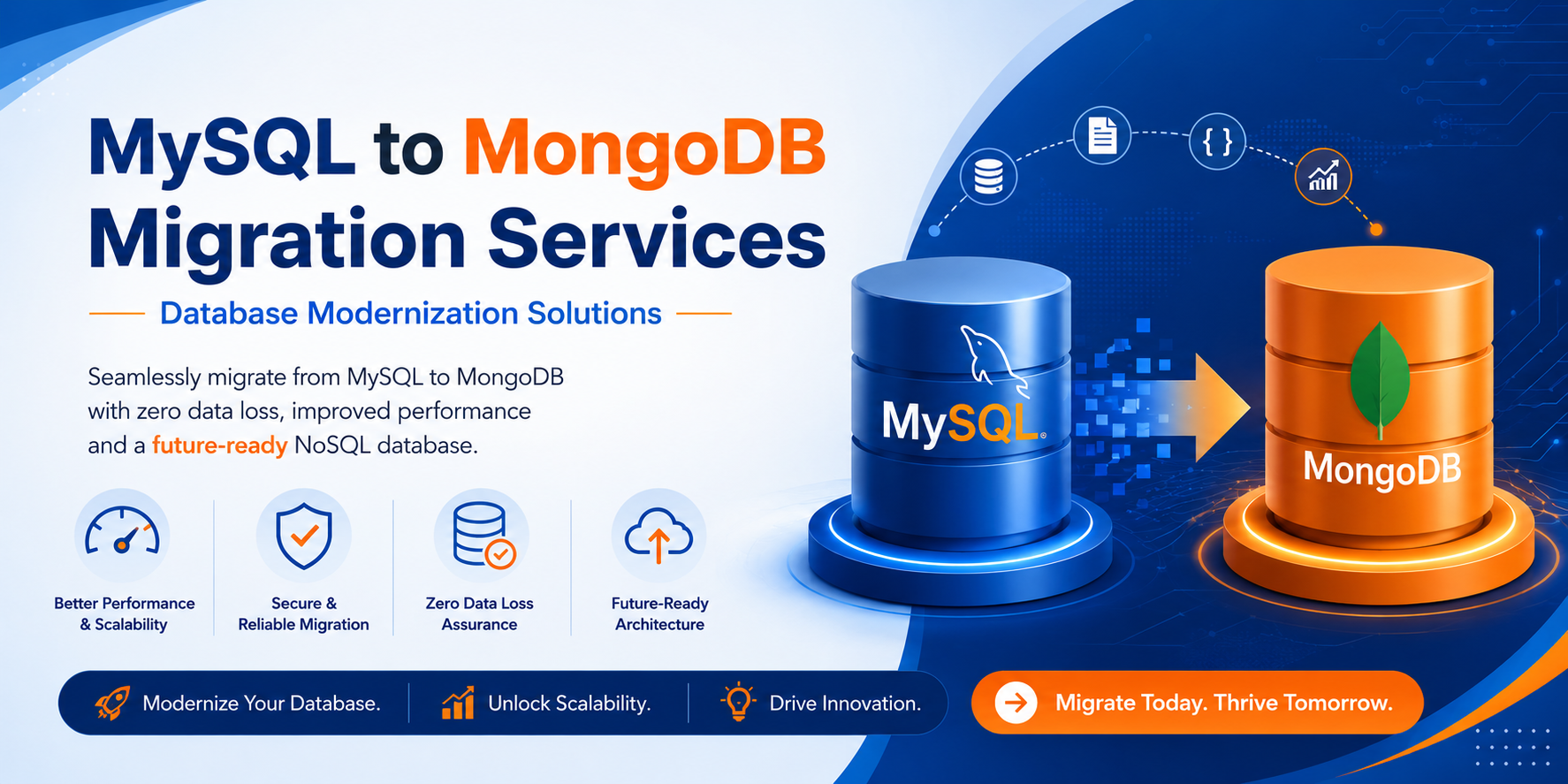
Database Migration from MySQL to MongoDB: A Complete Guide
Introduction
As businesses continue to build scalable and data-driven applications, traditional relational databases may not always meet modern performance and flexibility requirements. MongoDB, a leading NoSQL database, offers a document-oriented architecture that enables rapid development, horizontal scalability, and efficient handling of large volumes of unstructured data.
Migrating from MySQL to MongoDB can help organizations improve application performance, enhance scalability, and support evolving business needs. However, a successful migration requires careful planning, data transformation, and validation.
Why Migrate from MySQL to MongoDB?
1. Flexible Data Model
MySQL stores data in predefined tables and rows, requiring strict schemas. MongoDB stores data in JSON-like documents, allowing dynamic and flexible structures.
2. Better Scalability
MongoDB supports horizontal scaling through sharding, making it easier to distribute data across multiple servers and handle growing workloads.
3. Faster Development
Developers can modify document structures without complex schema changes, reducing development time and increasing agility.
4. Improved Performance
For applications with large datasets, high write volumes, or rapidly changing data structures, MongoDB can provide superior performance.
5. Cloud-Native Architecture
MongoDB integrates seamlessly with cloud platforms and microservices-based architectures.
Key Challenges During Migration
Before starting the migration process, organizations should understand potential challenges:
- Converting relational data into document structures
- Managing foreign key relationships
- Data consistency validation
- Application code modifications
- Query optimization after migration
- Downtime management during production migration
Migration Process
Step 1: Analyze Existing Database Structure
Begin by reviewing:
- Tables and relationships
- Primary and foreign keys
- Stored procedures
- Views and triggers
- Application queries
Understanding the current architecture helps design the target MongoDB schema.
Step 2: Design MongoDB Collections
Unlike MySQL tables, MongoDB uses collections and documents.
Example:
MySQL Structure:
Customer Table
- CustomerID
- Name
Orders Table
- OrderID
- CustomerID
- Product
- Amount
MongoDB Structure:
{
  "customerId": 101,
  "name": "John Doe",
  "email": "john@example.com",
  "orders": [
    {
      "orderId": 1,
      "product": "Laptop",
      "amount": 1200
    }
  ]
}
This embedded document approach reduces joins and improves query performance.
Step 3: Extract Data from MySQL
Data can be extracted using:
- MySQL Export Tools
- SQL Queries
- ETL Platforms
- Custom Scripts
Export data into formats such as:
- CSV
- JSON
- XML
Step 4: Transform Data
Data transformation includes:
- Converting relational records into documents
- Merging related tables
- Mapping data types
- Handling null values
- Creating nested structures
Step 5: Import Data into MongoDB
Popular migration tools include:
- MongoDB Database Tools
- MongoDB Compass
- Apache NiFi
- Talend ETL
- Custom Python, PHP, or Node.js Scripts
Step 6: Validate Data
Perform validation checks:
- Record counts
- Data accuracy
- Relationship integrity
- Query results comparison
- Application testing
Step 7: Application Migration
Update:
- Database connections
- Queries
- ORM layers
- APIs
- Reporting modules
Applications must be tested thoroughly before production deployment.
Best Practices for MySQL to MongoDB Migration
Plan Schema Carefully
A well-designed document model minimizes future changes and improves performance.
Start with a Pilot Migration
Test migration on a small dataset before migrating the complete database.
Automate the Migration Process
Use ETL tools and scripts to reduce manual effort and human error.
Monitor Performance
Evaluate query execution times, indexing strategies, and server resource utilization.
Maintain Backups
Always keep complete MySQL backups before migration begins.
Perform Incremental Migration
For large databases, migrate data in phases to reduce downtime and risk.
Benefits After Migration
Organizations often experience:
- Faster application development
- Improved scalability
- Reduced database maintenance
- Better cloud integration
- Enhanced handling of semi-structured data
- Improved performance for high-volume workloads
Use Cases Ideal for MongoDB
MongoDB is particularly suitable for:
- E-commerce platforms
- Content Management Systems
- Mobile applications
- Real-time analytics
- IoT applications
- Social networking platforms
- Customer data platforms
Conclusion
Migrating from MySQL to MongoDB is a strategic move for organizations seeking greater flexibility, scalability, and performance. By carefully analyzing existing data structures, designing optimized document models, and following a structured migration process, businesses can successfully transition to MongoDB while minimizing risks and downtime.
Whether you’re modernizing legacy applications or building cloud-native solutions, MongoDB provides the agility and scalability needed for today’s data-intensive environments.
#DatabaseMigration #MySQL #MongoDB #NoSQL #DatabaseModernization #DataMigration #CloudComputing #SoftwareDevelopment #DatabaseManagement #DigitalTransformation #WebDevelopment #ITServices #MongoDBDeveloper #DatabaseOptimization #TechnologySolutions
